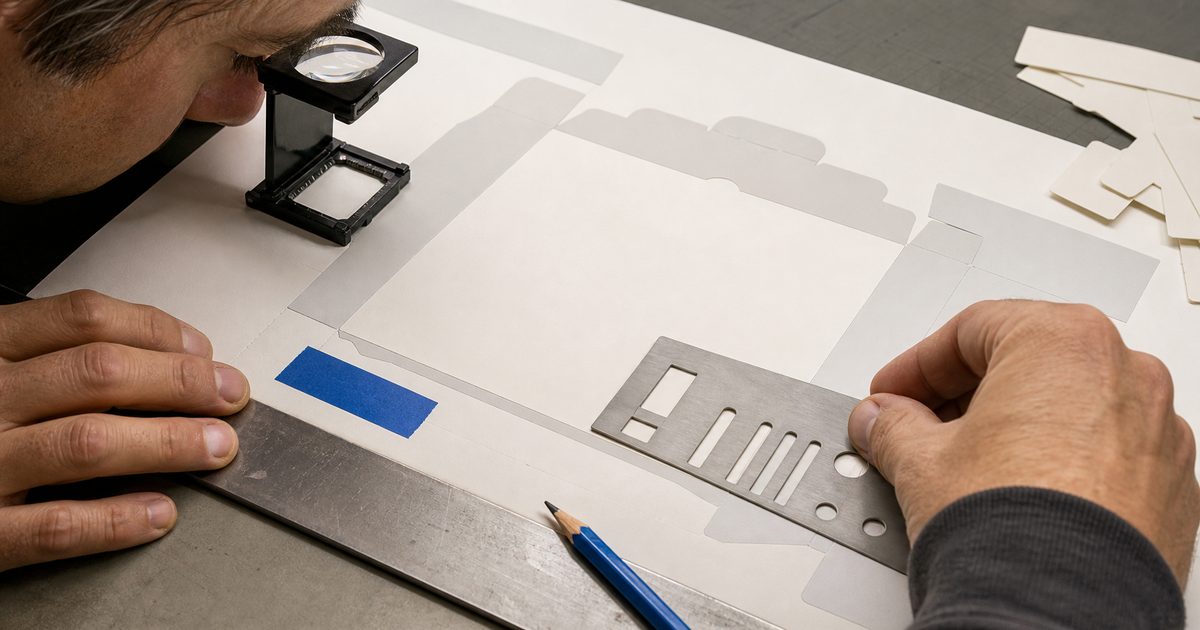
Generated display text can be convincing, but generated raster text remains fallible and needs verification. For an existing product label, ingredient panel, price, net weight, regulatory mark, or approved wordmark, keep exact production copy as live type or supplied vector artwork. Use references to guide the scene, inspect every character, and compare the export with the approved source.
This article was reviewed July 11, 2026 against current Adobe, Google, and OpenAI documentation. Provider positioning is separated from Bielfor workflow judgment, and no cross-provider ranking is presented as an objective fact.
Why can generated text still fail?
An image generator returns raster pixels, not an editable typesetting system. Letter-shaped pixels can look plausible while spelling, kerning, punctuation, line breaks, repeated characters, or logo geometry differ from the approved text.
Failure risk depends on more than font size. Point size has meaning only together with document scale and output density. For a model comparison, record the final pixel height of the text, the output dimensions, surface angle, contrast, language, character count, and whether a reference was supplied.
The production question is not simply whether a word is readable. It is whether the exact approved word, number, symbol, and arrangement survived at the final delivery size. A visually attractive near-match can still fail that test.
Can a reference image reproduce exact label text?
A reference can guide layout and appearance, but it does not establish exact reproduction. Adobe says its reference result was “not exactly what we wanted” in this structure-reference tutorial. The same tutorial describes the reference as an influence whose strength can be adjusted while retaining creative freedom.
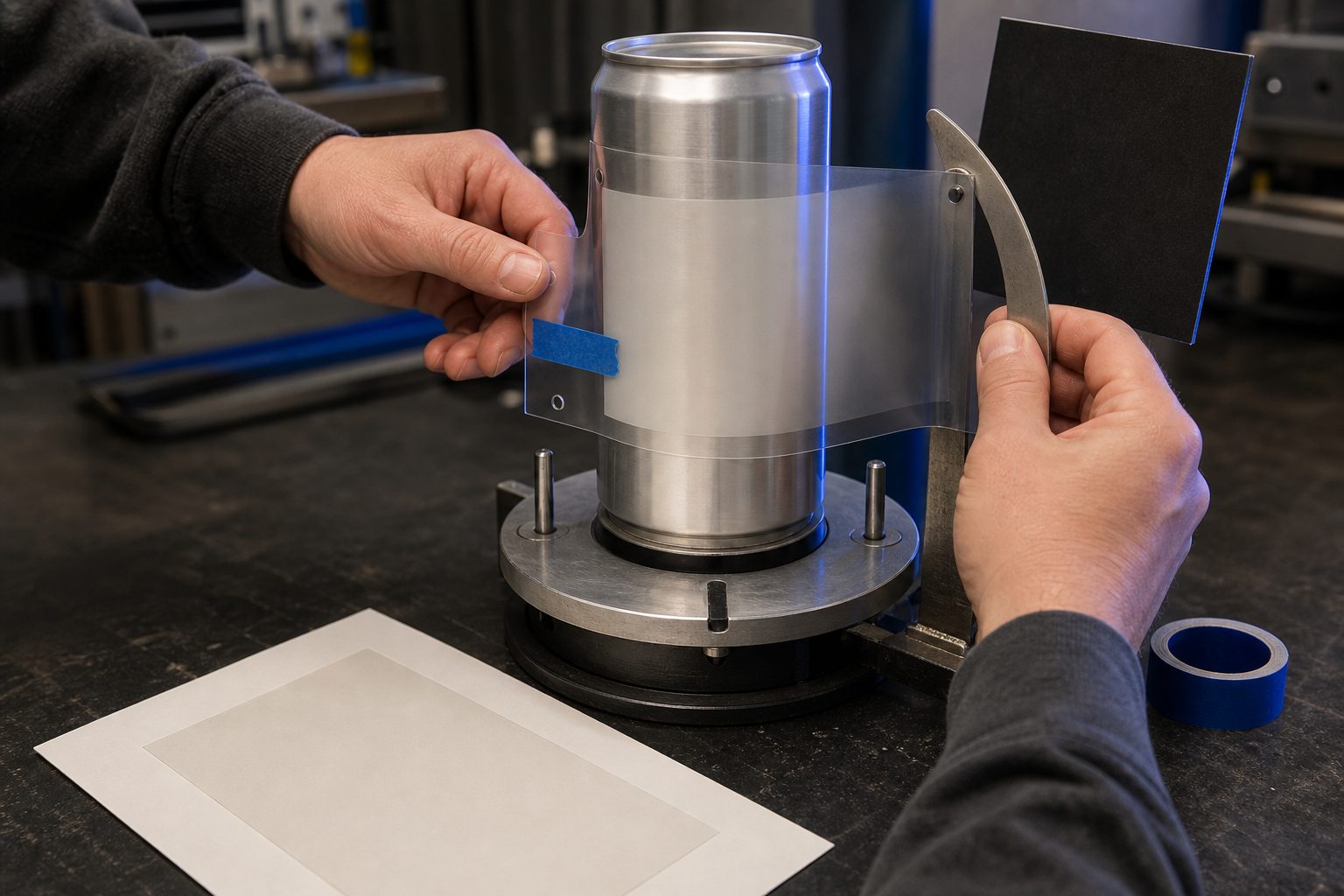
That evidence boundary applies directly to packaging. A straight-on label image can improve guidance, color, proportion, and placement. It does not make generated text authoritative. Preserve or reapply the approved label pixels, live type, or vector artwork and compare each export with the source.
For curved products, keep the exact artwork on its own layer and use Transform, Warp, displacement, blur, grain, and highlight masks to integrate it. The model can generate the surrounding material and light; Photoshop can preserve the approved characters.
Which model should handle generated display text?
Google describes Gemini 3 Pro Image as suited to accurate text and complex professional image work in its image generation guide. OpenAI’s image generation guide documents improvements in text rendering while still listing limitations in precise text placement and recurring-brand consistency.
Those statements do not form a cross-provider leaderboard. Bielfor workflow judgment, not a provider claim: run a dated representative test before choosing a model for a campaign. Publish the prompt set, language, output size, reference images, final pixel height, number of attempts, and acceptance rule if an article assigns a ranking.
A useful test set contains different production pressures:
| Test case | What changes | What to record |
|---|---|---|
| Large display headline | language and line count | spelling, line breaks, alignment, accepted attempts |
| Curved concept package | curvature and highlight | character shape, wrap, reference influence |
| Small final-frame label | final pixel height | readability, exact-match failures, retouch time |
| Dense legal panel | copy length and hierarchy | decision to replace with live type or vector artwork |
Provider API reference limits are model-specific. Photoshop, a provider endpoint, and a third-party panel can expose different input allocations. Record the actual endpoint and interface used in the test instead of assigning one generic reference count to a provider family.
When should you rerender generated text?
Rerender when the text is exploratory and the words are part of a disposable concept. Examples include a mood-board headline, an invented sign in a background, or a rough packaging direction that will be typeset later.
Set a small attempt budget before the test. If the same important word fails repeatedly, change the composition, increase its final pixel height, simplify the line, or move the text to a Photoshop layer. API output price is only one cost. Review time, failed variants, compositing, and client corrections belong in the decision too.
Do not retouch an approved label by sculpting malformed generated letters. Replacing the text with the approved artwork gives the next revision a stable, editable source.
When should text stay as a Photoshop layer?
Keep text as a Photoshop layer when it is an existing label, approved copy, regulated information, contractual language, a price, a net weight, an ingredient panel, a disclaimer, or a brand-critical wordmark.
The layered workflow is direct:
- Generate the scene with blank or simplified concept packaging where practical.
- Place the supplied vector artwork or set the approved copy as live type.
- Match perspective, curvature, light, blur, and grain on non-destructive layers.
- Compare against the approved source at 100% zoom and final delivery size.
- Keep the editable text and source artwork in the handoff file for the next revision.
This protects the revision path as well as spelling. A price, warning, or ingredient change can be edited without recreating the scene.
How should label QC be recorded?
Use a pass-or-reject sheet tied to a specific export. At minimum, record:
- filename and export time;
- output dimensions and color space;
- approved artwork version;
- every word, number, and required mark checked;
- logo geometry and color comparison;
- reflection and highlight review;
- reviewer and disposition.
Read small copy aloud while comparing with the approved file. Check repeated letters, decimal points, currency symbols, weights, and punctuation separately. For multilingual packaging, use a reviewer who can validate that language rather than judging only visual similarity.
Bielfor’s product photography workflow applies the same source-pixel rule to the full scene. The model routing guide should be treated as dated workflow advice, not a substitute for the campaign’s own acceptance test.
FAQ
Can an image model create readable display text?
Current models can produce convincing display text for many prompts. Verify the exact output, especially when the text is small, repeated, curved, multilingual, or tied to a brand.
Can a reference lock an existing product label?
A reference can guide resemblance. Adobe’s own tutorial shows that a referenced text result can still differ from the intended output. Preserve or reapply approved artwork for exact production text.
Is point size enough to predict whether text will pass?
No. Record final pixel height, output dimensions, viewing size, curvature, contrast, language, and copy length. A point-size threshold without those variables is not portable.
Should ingredient and regulatory text be generated?
Keep that content as live type or supplied vector artwork in the production file. Use generation for the surrounding scene and visual concept, then inspect the composite against the approved source.
How should a model ranking be published?
Include the test date, exact model IDs, prompt set, references, output settings, number of attempts, and acceptance rule. Without that evidence, describe the choice as a workflow preference rather than a provider fact.