
There are five practical routes: manual transfer from Google AI Studio, an Adobe partner-model picker when available in your installed Photoshop build, a bring-your-own-key plugin, a custom script, or a ComfyUI bridge. The right route depends on volume, setup tolerance, security requirements, and how tightly generation must follow a selection.
Disclosure: Bielfor builds Creator MAX, one of the BYO-key options. Interface recommendations below are Bielfor workflow judgment. Google model, price, key, and billing facts link to Google directly.
What is Nano Banana in 2026?
Nano Banana is Google’s name for the native image-generation capability in Gemini. The current Google image guide documents four API models:
- Nano Banana 2 Lite:
gemini-3.1-flash-lite-image, a cost-sensitive 1K model. - Nano Banana 2:
gemini-3.1-flash-image, Google’s general-purpose image model with 0.5K through 4K output. - Nano Banana Pro:
gemini-3-pro-image, positioned for complex professional assets and accurate text. - Nano Banana original:
gemini-2.5-flash-image, a legacy 1024px-class model.
The model runs on Google infrastructure. Photoshop needs an interface that exports pixels or references to the API and returns the result. That interface can be manual or automated.
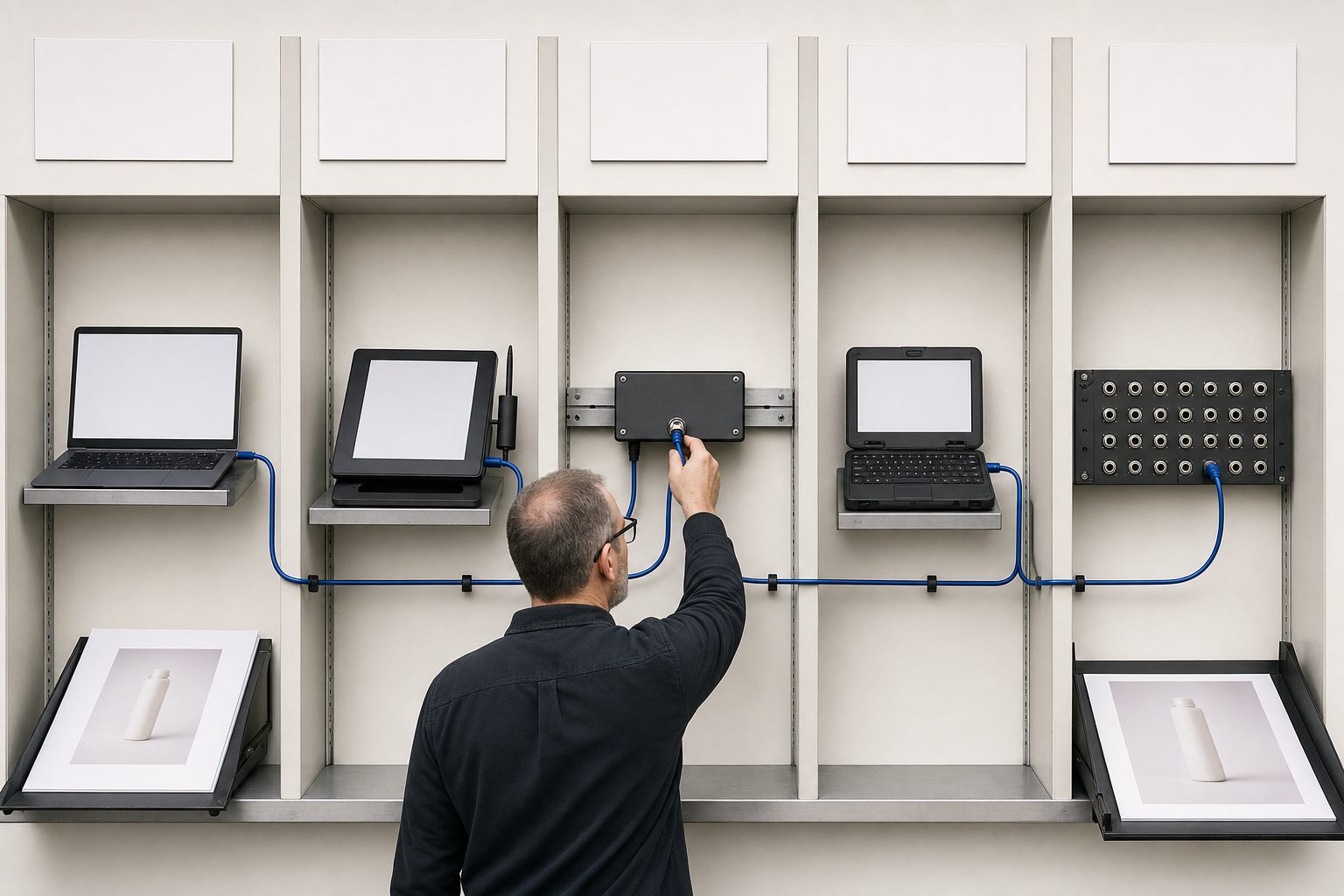
What are the five ways to use it in Photoshop?
| Route | What happens | Setup | Good fit | Main tradeoff |
|---|---|---|---|---|
| Google AI Studio and manual transfer | Generate in a browser, then place the output in Photoshop | Low | Evaluation and occasional images | Manual round-trip and weaker selection context |
| Native partner-model picker | Generate through the model options exposed by the installed Adobe build | Low when present | Selection-first work in an existing Adobe flow | Model availability depends on the current Photoshop release |
| BYO-key Photoshop plugin | A panel calls Gemini using your own project key | Medium | Repeated production and layer-based iteration | Plugin cost, setup, and trust review |
| Custom script | Your code exports input, calls Gemini, and imports the result | High | Controlled automation | Maintenance and credential security are yours |
| ComfyUI bridge | Photoshop exchanges files with a node graph that calls an API node | High | Existing ComfyUI pipelines | More moving parts than a simple panel |
No route improves a model’s provider-side output limits. A tool may resize a result or limit references in its own UI, so separate interface behavior from Google’s documented capability.
The separate Photoshop Firefly Generative Fill resolution guide covers Adobe’s path and the distinction between generation output, fill output, and placed canvas size.
Adobe’s current Photoshop model-selector guide lists Gemini 3.1 with Nano Banana 2, Gemini 3 with Nano Banana Pro, and Gemini 2.5 with Nano Banana as Partner models in Generate Image and Generative Fill. That page establishes picker availability, not a fixed credit price. Check the live plan terms before assigning a cost to this route.
Is Google AI Studio the easiest starting point?
For a first test, yes. Generate or edit in AI Studio, download the image, place it above the source layer, and mask it into the composition. It requires no Photoshop extension.
Google’s billing FAQ says AI Studio usage can remain free unless a paid API key is linked. Once a paid key is selected, AI Studio usage for that key is billed. The current UI limit is account-specific, so do not build a production forecast around a remembered daily allowance.
Manual transfer works best when the job is a full frame or standalone plate. It becomes tedious when every variation needs the same crop, selection, reference set, and layer naming.
How does a BYO-key Photoshop route work?
A BYO-key tool stores or requests your Google credential, sends the chosen input to the Gemini API, and places the returned image in Photoshop. Google bills the project directly. The tool may charge separately for its interface, but it should not be confused with Google’s per-request bill.
Google’s key documentation now directs users toward authorization keys. Check how the tool stores that credential, whether it sends requests through its own server, and whether it can restrict the key to the intended service. Never paste a production key into an unreviewed script.
Creator MAX is Bielfor’s implementation of this pattern; its answers to those three credential questions are written out step by step in how to get a Gemini API key. Because we own it, verify current product capabilities on the product page instead of treating this article as independent product validation. Other plugins and custom tools can use the same provider architecture. The wider set of subscription-free options, covering pay-once panels, locally run tools, and what Photoshop already includes, is surveyed in Photoshop AI plugins without a subscription.
What does direct Google image generation cost?
The official pricing page listed these standard image-output equivalents when reviewed on July 11, 2026:
| Model | API model ID | Resolution | Standard image output |
|---|---|---|---|
| Nano Banana 2 Lite | gemini-3.1-flash-lite-image |
1K | $0.0336 |
| Nano Banana 2 | gemini-3.1-flash-image |
0.5K | $0.045 |
| Nano Banana 2 | gemini-3.1-flash-image |
1K | $0.067 |
| Nano Banana 2 | gemini-3.1-flash-image |
2K | $0.101 |
| Nano Banana 2 | gemini-3.1-flash-image |
4K | $0.151 |
| Nano Banana Pro | gemini-3-pro-image |
1K | $0.134 |
| Nano Banana Pro | gemini-3-pro-image |
2K | $0.134 |
| Nano Banana Pro | gemini-3-pro-image |
4K | $0.24 |
| Nano Banana (original) | gemini-2.5-flash-image |
Up to 1024px | $0.039 |
Those are output charges, not guaranteed all-in request totals. Input, text or thinking output, and Search grounding can add cost. Prepay credits also expire after 12 months, so direct API billing should not be summarized as a balance that lasts forever.
What is a safe Photoshop workflow?
Use a reversible sequence regardless of interface:
- Duplicate the source layer or save a version before generation.
- Make a clean selection with enough context for the requested edit.
- Export only the pixels and references the task actually needs.
- Choose the model and native size based on the final placement, not a generic quality label.
- Generate one diagnostic result before starting a large batch.
- Return the result as a new layer with a descriptive name.
- Compare edges, shadows, perspective, identity, and product geometry at 100 percent.
- Keep labels, logos, legal text, and final typography on verified source or Photoshop type layers when possible.
For a model-by-model decision, use the current Nano Banana comparison. For key setup, follow the Google AI Studio API key guide.
Which route should you choose?
- Choose AI Studio for evaluation or occasional full-frame work.
- Choose the current native Photoshop route if its installed model and live plan terms suit the exact job.
- Choose a reviewed BYO-key plugin when repeatable selection and layer handling justify an interface.
- Choose a script when your team can maintain authentication, errors, and Photoshop automation.
- Choose ComfyUI when a node graph already forms part of the production pipeline.
Run one representative job through two routes before paying for a long-term setup. Measure total time, rerolls, cleanup, and credential risk, not only the displayed generation price.
FAQ
Can you use Nano Banana inside Photoshop for free?
You can manually transfer results from AI Studio while your account has free UI access. Direct calls to the current Google image API models have no free tier. A plugin or other interface may also have its own price.
Does the original Nano Banana generate native 2K images?
No. Google documents output up to 1024px for gemini-2.5-flash-image. A tool can upscale that output, but it should identify the extra step.
Which Google model is the default for Photoshop work?
Google describes Nano Banana 2 as its general-purpose image model. Bielfor commonly starts at Nano Banana 2 and 2K for production composites, then validates the result against the actual file.
Do you need a plugin?
No. A plugin removes manual transfer and can improve selection and layer handling. AI Studio, scripts, and ComfyUI remain valid alternatives.